.png)
Every AEP brings the same question: how do you keep up with client retention when plans are exiting, networks are shifting, and your book of business feels like it's changing under your feet?
At our Built for AEP virtual kickoff, Julia Lanoha, Product Manager at Spark, walked agents through the tools built to answer that question: an AI assistant that runs disruption analysis in the background, and a Plan Exit Alerts campaign that reaches affected clients automatically.
Here's what she covered, and how to put it to work.
This year's disruption is bigger than usual
Plan exits and network disruptions are accelerating. Significant market events, including ClearSpring Health discontinuing its Medicare Advantage offerings and Humana withdrawing from certain regions, affect more than 600,000 beneficiaries this year alone.
That scale changes the math on retention. Plan disruption at this level means client retention can't be a passive effort anymore.
Traditional process vs. Spark automation
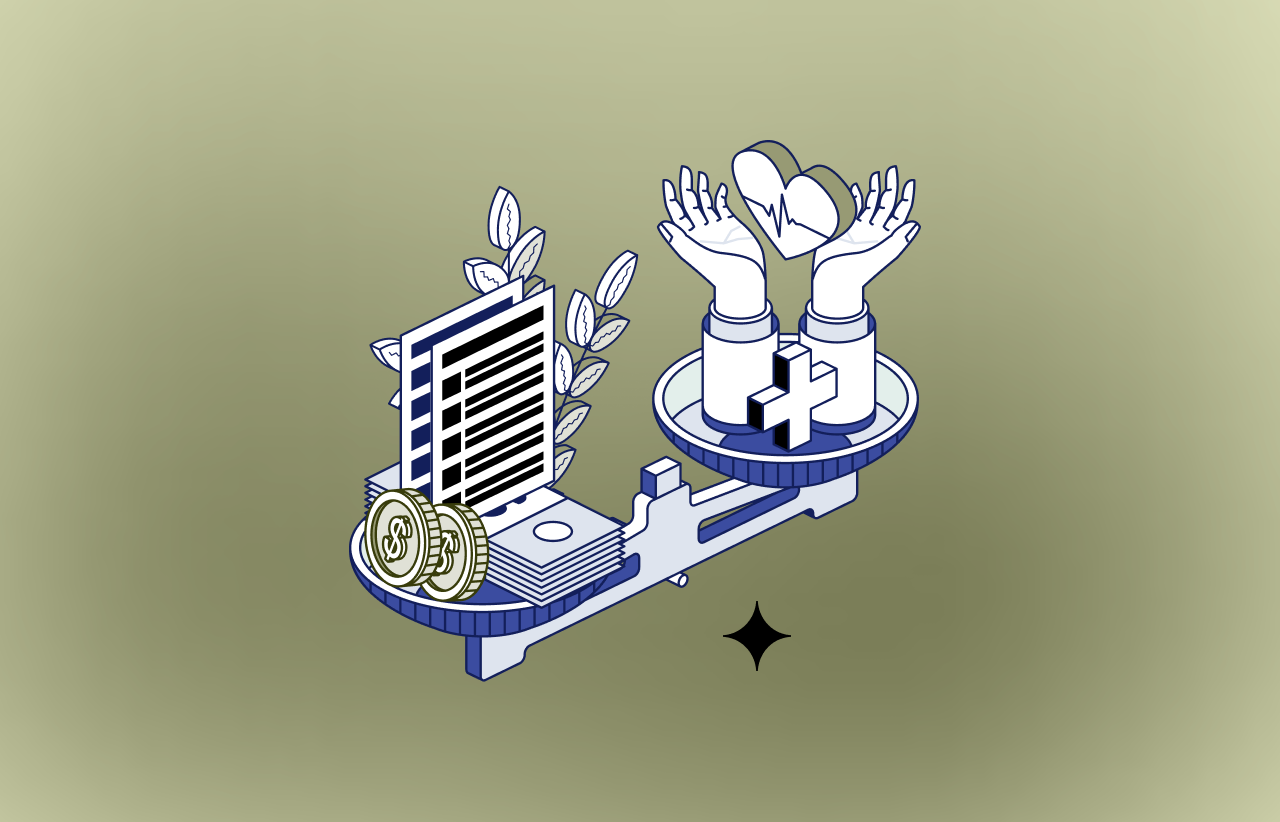
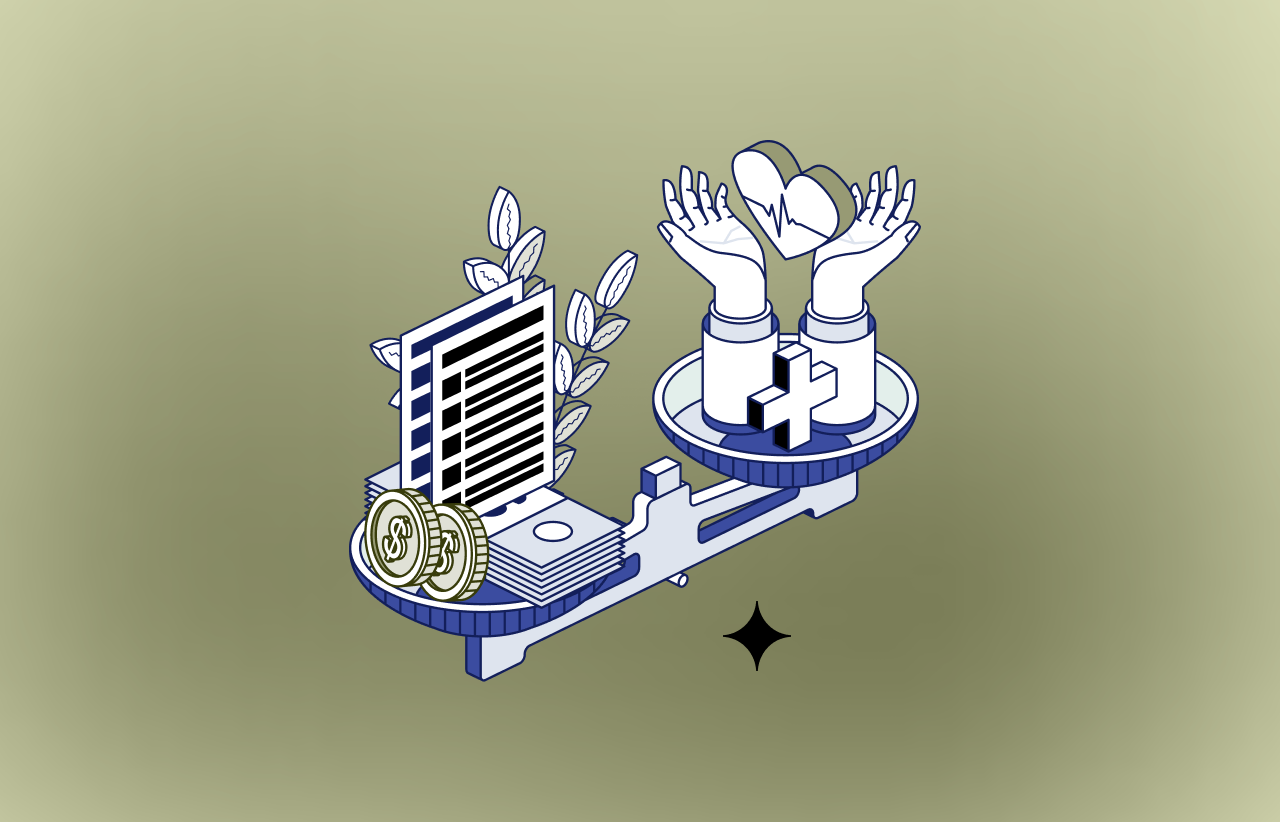
Manual client retention work is hard to sustain during high-volume periods like AEP. The traditional approach means checking each client's policy status by hand, tracking medication or provider changes, collecting scope-of-appointment documentation, and scheduling follow-up appointments, one client at a time. This labor-intensive workflow leaves little room for client conversations.
As Julia put it: "Plan disruption and exits at this scale mean that client retention can't be a passive effort anymore."
The old way doesn't scale
Manually checking each client's policy status, tracking medication and provider changes, collecting scope-of-appointment documentation, and scheduling follow-ups one at a time was never built for a year like this one. It's the kind of workflow that eats the hours agents would rather spend actually talking to clients. Julia summed it up simply: this isn't doable at scale during AEP.
Spark's retention tools close that gap in three ways:
- Auto-updating policies. Carrier data refreshes system records automatically, so nobody's updating them by hand.
- Campaign-driven automation. AEP retention campaigns gather client prescription and coverage information on their own.
- AI-driven prioritization. Disruption analysis flags affected clients so agents know exactly who to reach out to first.
An AI assistant that's already watching your book
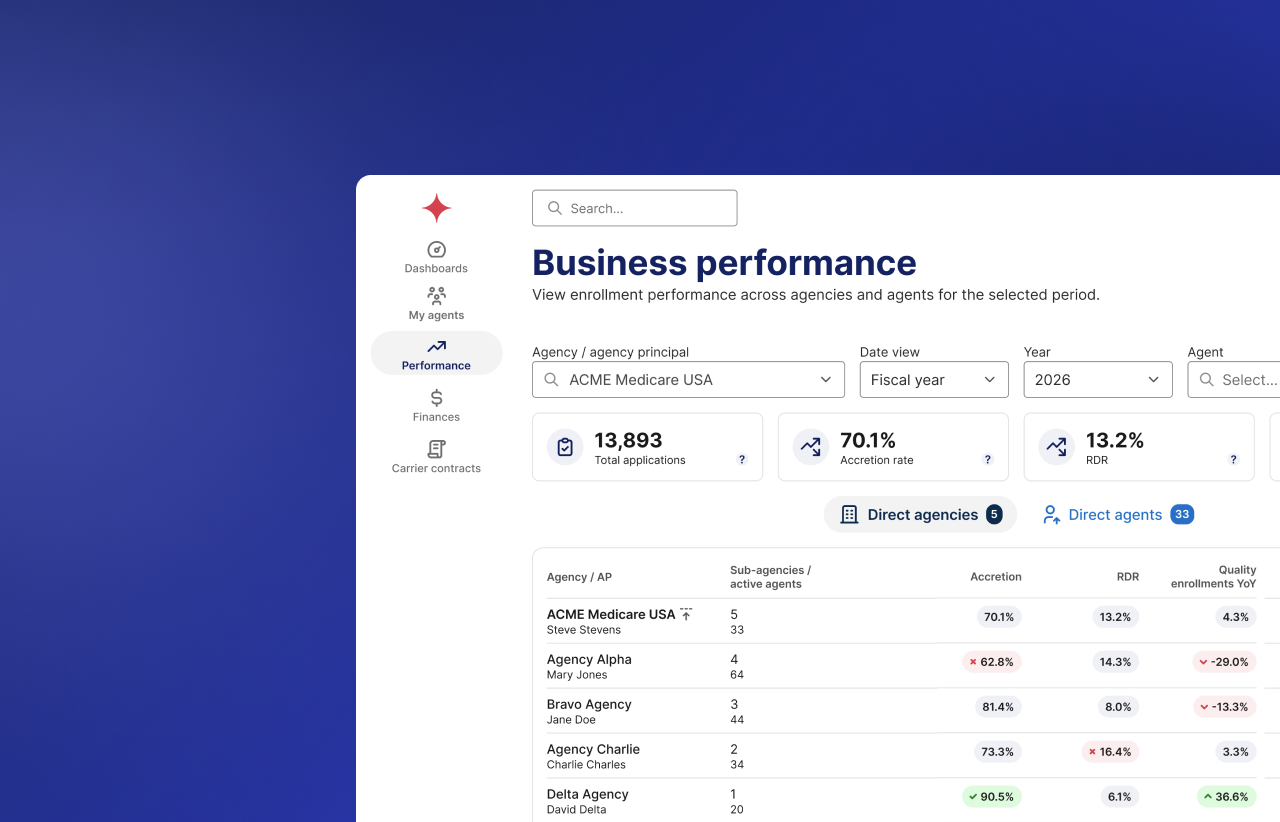
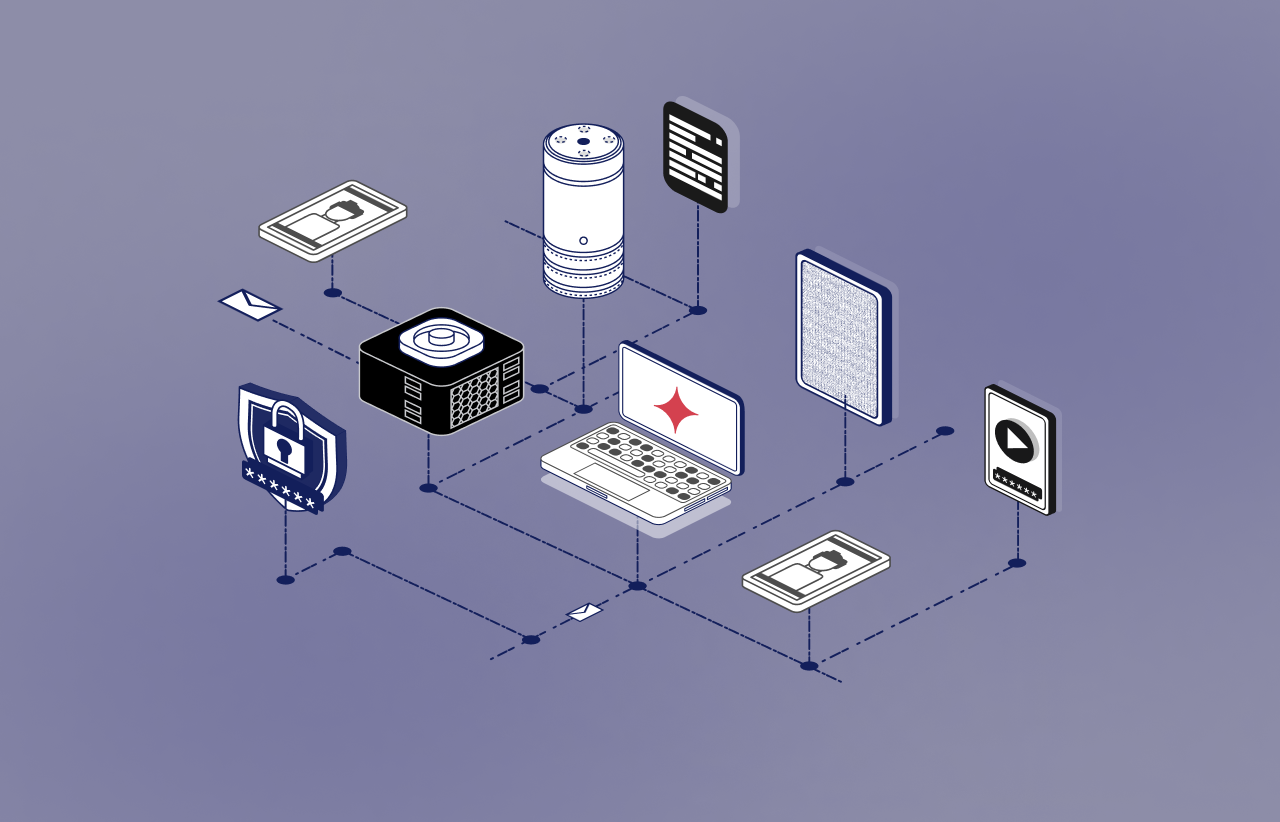
Spark's AI assistant runs continuously in the background, pulling from CMS data, carrier updates, and Spark book records to assess every active client for disruption.
That means:
- Automated detection. Clients hit by drug tier changes or plan exits get flagged immediately, with a clear explanation of what triggered it.
- Proactive outreach. Priority clients get prompt, personalized communication without an agent having to chase it down.
The data comes from trusted sources agents already rely on: CMS, Sunfire, and Spark's own book records. And agents don't have to go looking for it. Julia was clear on this point: there's no manual action needed. Once the analysis runs, the insights show up automatically on the homepage, in individual contact records, and in contact action lists.
Plan Exit Alerts: outreach that runs itself
The standout feature from the session was the Plan Exit Alerts Campaign, built to reach clients affected by plan exits and guide them toward next steps like updating their needs or scheduling an appointment.
Here's how it works:
- Early October: Spark starts identifying clients impacted by plan exits as disruption data becomes available.
- Opt in, and outreach runs automatically. Emails go out to affected clients right away, followed by two reminders.
The emails are smart about it. Clients who've completed a needs assessment or scope of appointment in the last three months won't get a duplicate message. What lands in the inbox depends on where that client already is in the process.
It plugs into what agents already use
Agents working out of an external CRM can sync client data and plan details, including AI-identified disruptions, directly into their existing system through Spark's webhook integration. The Help Center walks through payload mapping during setup.
Spark also offers customizable templates for outreach around plan discontinuations, formulary changes, or network shifts, so agents can stay consistent without writing every message from scratch.
Three things to do before AEP hits
Julia left agents with a short list to knock out now:
- Update your marketing profile. Your phone number and scheduling URL populate outreach emails automatically, so make sure they're current.
- Turn on Plan Exit Alert Campaigns. Check your participation settings under the Client Retention tab in your back office. If it's toggled off, clients in your book affected by an exit won't get emails on your behalf.
- Upload your client book if you're new to Spark, so the analysis has what it needs to run well.
The bottom line
Automation isn't replacing the agent relationship here. It's clearing the manual work out of the way so agents can spend AEP on what actually keeps clients: real conversations, backed by data that's already been done for them.
Head to the Help Center or register for an AEP prep session to dig in further.


.png)








%201.webp)







.png)




.webp)












.png)
.png)
.png)




.png)



.png)
.png)
.png)
.png)


.png)
.png)
.png)
.png)
.png)



.jpeg)


.png)